
Best Monitors for
Xbox One X Review
You may have the top of the line headsets, speakers and controllers but I’m sure you would agree that all that will be for naught if you do not have the best monitor for Xbox One X?
The fact is: all the best Xbox One games are supremely graphics-intensive, which means your monitor has to have the necessary specs that will allow it to keep up.
Otherwise, you just will not be able to see that zombie slowly meandering towards you or that dead shot sniper that has strategically placed himself on top of a tower.
Whether you are a professional gamer or just a weekend warrior, having the best monitor for Xbox One X is a must if you want to enjoy a top of the line gaming experience.
However, shopping for a suitable monitor is not an easy task.
There are just so many things to consider, which entails time that you may not have when you are so focused on racking up frags.
Fortunately, we’re here to help you out as we clue you in on which monitors work well with the Xbox One X so that you can spend more time enjoying your games and less time fussing about all the monitors that are available in the market today.
And so, without further ado, here are the best monitors for Xbox One X:
Table Of Content


Top 10 Best Monitors for Xbox One X
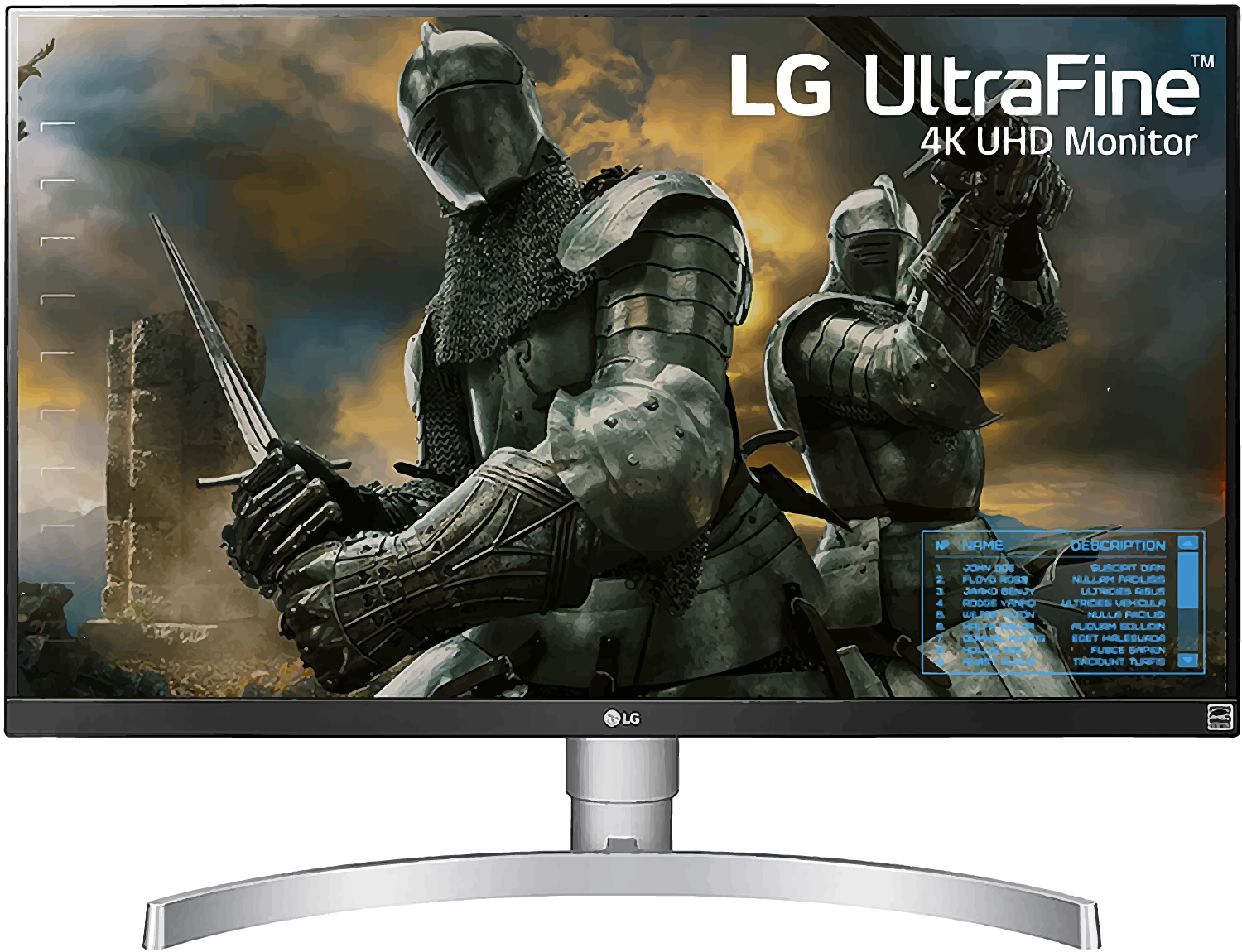
1. LG 27UK650-W
Casual and hardcore gamers will be pleased with the and its robust gaming features, which include an ArcLine stand and a whole lot of versatility.
It has a curve at the base that not only gives it a premium look but also a lot of flexibility as you will be able to alter the stand’s height, swivel it, tilt it or pivot it as you please.
Also, the LG 27UK650-W boasts of a 3840×2160 4K resolution, impressive peak brightness, a refresh rate of 60Hz, a response time of 5ms as well as HDR10 support.
The LG 27UK650-W also features AMD FreeSync together with Dynamic Action Sync that virtually ensures gameplay that does not have any broken frames and is as smooth as a baby’s bottom.
When it comes to connectivity, the LG 27UK650-W delivers two HDMI 2.0 ports, USB-C port, a 3.5mm audio jack as well as a 1.2 DisplayPort.
The LG 27UK650-W also has several other features that you will relish such as:
Super Resolution+: This provides you with sharper video
Black Stabilizer: You can alter the gamma of the dark shades so that it does not impact light shades
Automatic Standby: This is a neat power-saving feature as it turns the monitor off after long periods of inactivity on the screen
Although the LG 27UK650-W lacked more USB inputs, it more than makes up for it in a lot of other key areas such as response time that clocked in at a mere 5ms.
Overall, the LG 27UK650-W excels in a lot of areas a best monitor for xbox one x should and will give players the immersive gaming experience they are pining for.

Pros
– It has superb color production
– It has remarkable gaming features
– It supports AMD FreeSync

Cons
– Its response time needs improvement
– It does not have any speakers
LG 27UK650-W Features
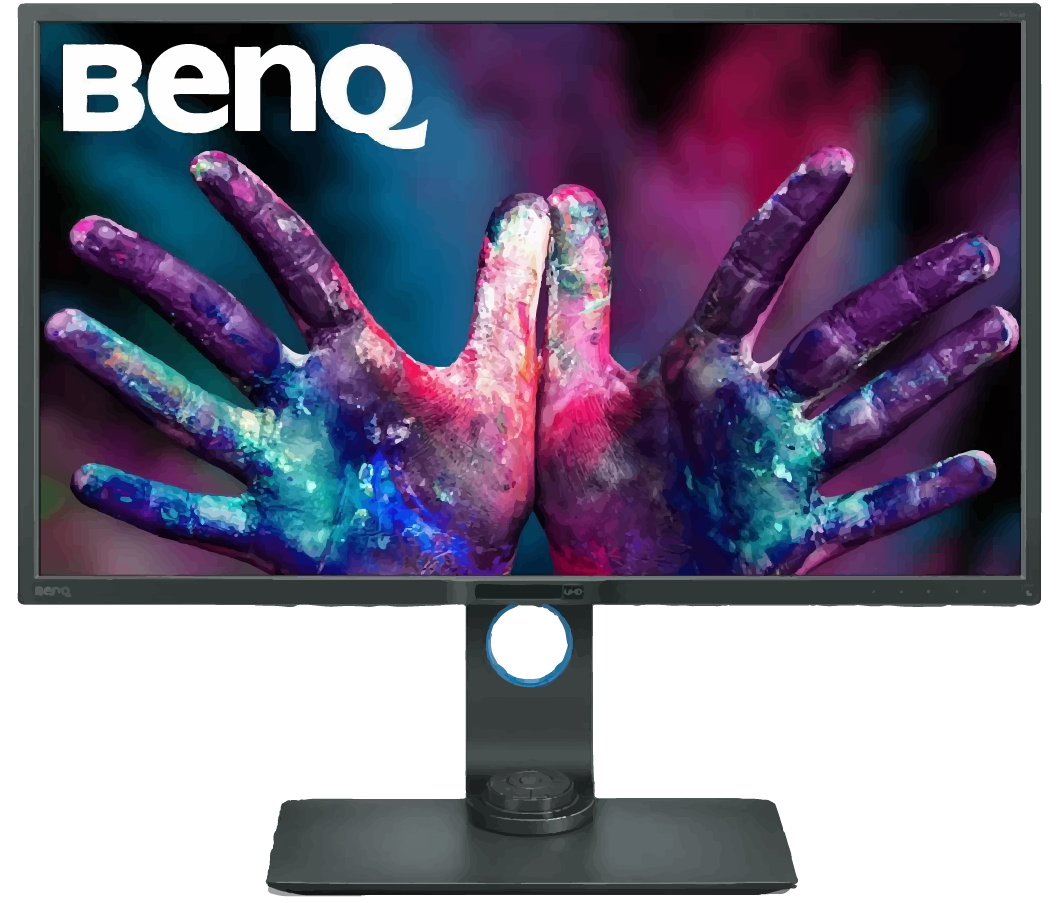
2. BenQ PD3200U
If you are a gamer on a budget and is keen on getting the most value for your money, The is a device that should be on your radar.
A brand known for manufacturing high-quality monitors that are highly rated by consumers and experts alike, the BenQ PD3200U measures 32-inches and comes loaded with extras that go beyond the realm of gaming.
The BenQ PD3200U gives you vivid and vibrant-looking color courtesy of its Ultra High-Definition In-Plane Switching panel.
Eye care tech is also readily available to help mitigate eye strain and fatigue, especially during those all-night gaming sessions.
Meanwhile, ZeroFlicker helps in reducing blue light that can harm your eyes, by altering screen brightness depending on your surroundings.
DualView technology also gives you the ability to split-screen, thus letting compare files side by side a whole lot easier.
As far as connectivity is concerned, the BenQ PD3200U has two HDMI ports, four USB slots, an SD card reader and a display port.
Two more features that players will certainly enjoy is the ability to switch the panel between portrait or landscape modes and a 178-degree viewing angle that will allow other people inside your room to witness the gaming action.
There are several other features that players will appreciate such as:
AQColor technology that makes for crisp images
Keyboard Video Mouse (KVM) Switch allows you to show files, photos or videos from different computers on one screen.
Overall, not only is the BenQ PD3200U ideal for gaming, but it also manages to provide you with plenty of other features that will do just as well for work or other functions.
The BenQ PD3200U is a 4K monitor that will give you impressive performance unsurpassed in the price range that it is in.
Pros
– It delivers superb gaming performance
– It has AQColor tech
– It offers DualView for multitasking capability
Cons
– The speakers could use improvement
BenQ PD3200U Features
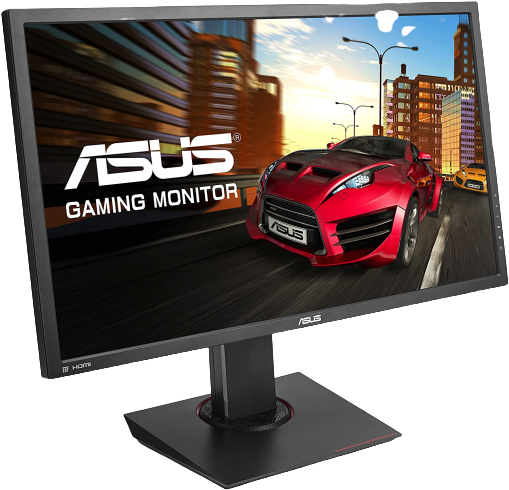
3. ASUS MG28UQ
When it comes to budget monitors, the ASUS MG-series is a popular choice among consumers and the will add more burnish to the brand’s well-liked resume.
The ASUS MG28UQ is a 28-inch ultra-high-definition monitor that has a response time of just 1ms, an adjustable stand and a remarkable maximum resolution of 3840×2160 @ 60Hz.
The ASUS MG28UQ boasts of a sturdy-build, sleek aesthetics and versatility to boot as the stand let you completely adjust the display to your desired position.
The color accuracy of the ASUS MG28UQ is also on-point, with surprising sharpness and vividness to the display that you will not see in a lot of similar products.
Take those things and combine them with the seamless 1ms response time and the Adaptive-Sync that prevents any image tearing and you have a product that will rank up there against any product in the market today.
When it comes to connectivity, the ASUS MG28UQ features three HDMI ports, two USB 3.0 ports, and a 3.5mm headphone jack.
And as much as the ASUS MG28UQ monitor wants you to have an entirely immersive gaming experience every single time, it also slipped in some safety features especially for your eyes.
It has the ASUS Eye Care technology as well as the TUV-certified Flicker-Free and Blue Light Filter that seeks to ward off eye fatigue and other common ailments that come with extended hours in front of the computer.
The ASUS MG28UQ’s other features include:
- It has 5-Way OSD Joystick that offer you intuitive control
- It allows you to pick between four different crosshairs
- It has an onscreen timer
All told, the ASUS MG28UQ is a great monitor that provides you with fantastic performance, dedicated gaming features and clean, crisp images at a reasonable price point.
Pros
– It delivers fantastic picture quality
– It has a built-in power supply
– It provides an excellent pixel density
Cons
– It could use several more USB ports
– The contrast could be improved
ASUS MG28UQ Features
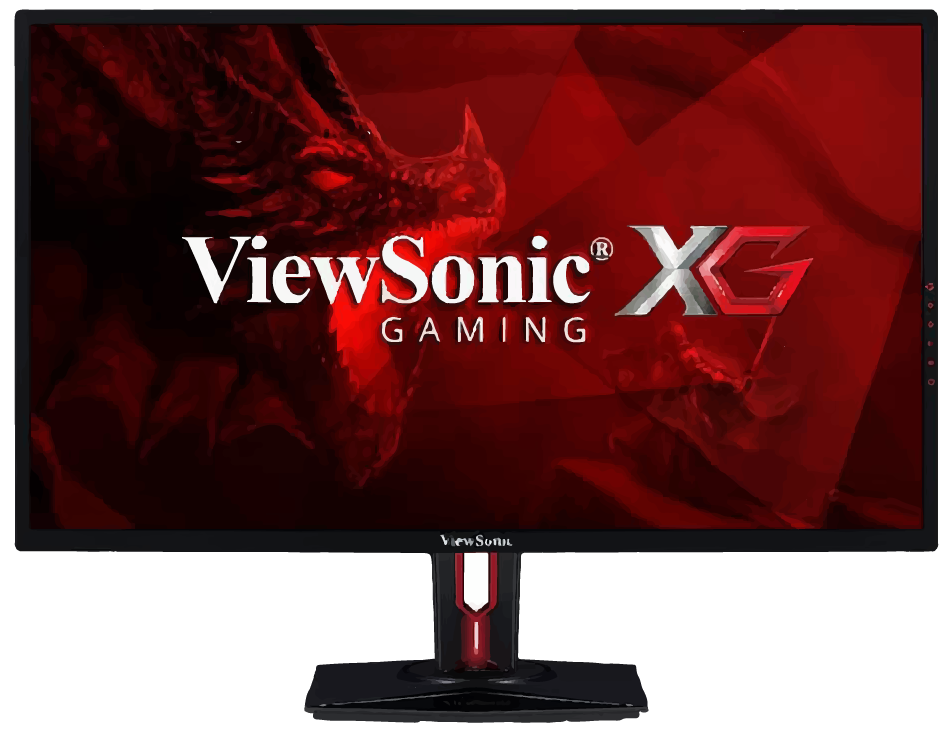
4. ViewSonic XG3220
Viewsonic has a lofty reputation for manufacturing high-quality devices like the .
But for this list, Viewsonic’s entry is the XG3220 which hits high marks among a lot of things that console gamers would like in a monitor.
First of all, this device is a 32-inch monitor that manages to produce vibrant and precise color.
It also has a low response time of 5ms, low-input lag, several customization options as well as Adaptive Refresh tech.
Connectivity options come in the way of 2 x HDMI 2.0, USB 3.0 x 4, HDCP 2.2 and a DisplayPort 1.2.
Meanwhile, the XG3220’s IPS panel provides you with excellent viewing angles of up to 178 degrees, which means no matter where your location is in the room, you still will have a clear view of the gaming action.
The design of the XG3220 is sleek and sexy and will remind you of an Italian supercar.
The other key features of this device include:
- It has FreeSync monitor technology that makes for seamless frame rates
- It features HDR10 content support
All told, the XG3220 is a monitor that both avid and hardcore gamers will enjoy using.
It features an incredible contrast ratio that lets you see crucial components of the games that you are playing.
Add to that the robust connectivity choices, fantastic image quality and responsiveness and the XG3220 is a fine choice for a best monitor for xbox one x.
Pros
– It produces superb images
– It boasts of plenty of connectivity options
Cons
– The speakers don’t perform well
– You cannot adjust the height
ViewSonic XG3220 Features
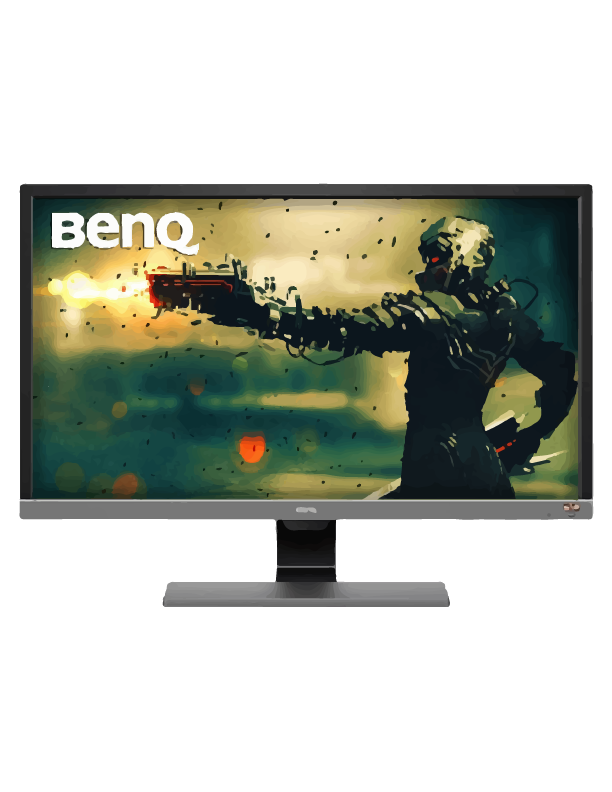
5. BenQ EL2870U
If you are in the market for a great 4K monitor that will let you enjoy your games for many, many hours without burning a hole through your wallet, then you must consider the .
A 28-inch 4K ultra-high-definition monitor that performs exceptionally well whether you are dominating your opponents on Xbox or you are just chilling, watching the latest flick, the BenQ EL2870U has a 3840 x 2160 resolution at 60hz refresh rate that will make sure you do not miss a single second of the action.
The BenQ EL2870U also supports HDR10 content while the Cinema HDR enhances the viewing experience even further.
Like a lot of today’s monitors, the BenQ EL2870U supports FreeSync and has a TN panel, which has an incredible response time of just 1ms, which is more than enough for all your gaming needs.
The BenQ EL2870U delivers a vibrant picture that has crisp, realistic details that gamers will absolutely enjoy looking at for hours on end.
The BenQ EL2870U is not perfect though as the stand is not adjustable while connectivity will leave gamers wanting more as it only has 2 HDMI 2.0 inputs, a headphone jack and a DisplayPort and no USB ports.
The speaker is particularly concerning since while it did not sound bad, it was still pretty average.
The BenQ EL2870U though makes up for those drawbacks with these other features:
- It has Brightness Intelligence Plus Technology that will give users a remarkable balance between contrast and vibrancy
- It has Smart Focus capability that lets you target a specific area of the screen that you want to just focus on, thereby eliminating any distractions
- There is an auto-brightness feature that automatically alters the settings of your screen to match your environment
In closing, the BenQ EL2870U is a 28-inch high-definition gaming monitor that will work just as well for other functions especially when it comes to watching action flicks.
Whether you are someone that spends extended hours playing games or you just want to chill and watch movies all day, the BenQ EL2870U delivers sharpness and clarity for a viewing experience that you will relish.
Pros
– It supports dynamic range
– It has ultra-high-definition resolution
– It has a fantastic price
Cons
– The built-in speakers do not sound good
– Lackluster connectivity
BenQ EL2870U Features
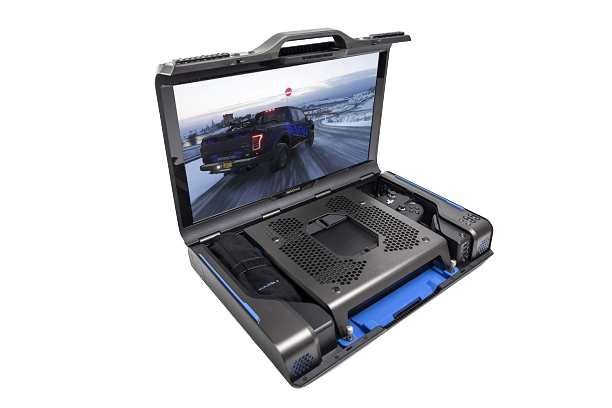
6. GAEMS Guardian Pro Xp; Best for those who are looking for a portable option
Do not want to comprise with your gaming experience, wherever you go?
Want to make sure that you can carry your game console with you?
Well, then the ultimate choice for you would be this one – why? Because it is portable.
This monitor from is not machine-specific and is compatible with a lot of models, one of which is the X Box One X.
It comes with a high power coupled with a very high level of performance.
It has a built-in monitor of 24 inches which helps you to carry out the gaming experience wherever you go.
The resolution is of 1440p which gives you just the right amount of clarity that you need.
The sound stage is a dynamic one so that you do not have to compromise on the sound experience, which is very important for gaming.
Pros
– The biggest advantage is that it is portable.
– The sound quality is very good.
– The control panel is extremely handy when it comes to regulating volume and screen settings.
Cons
– The consoles are not included, and you will have to get them separately
– It does not support a 2K, and the chords might get a little tangled up
– Might be a little bit heavy to carry with the console
GAEMS Guardian Pro Xp Features
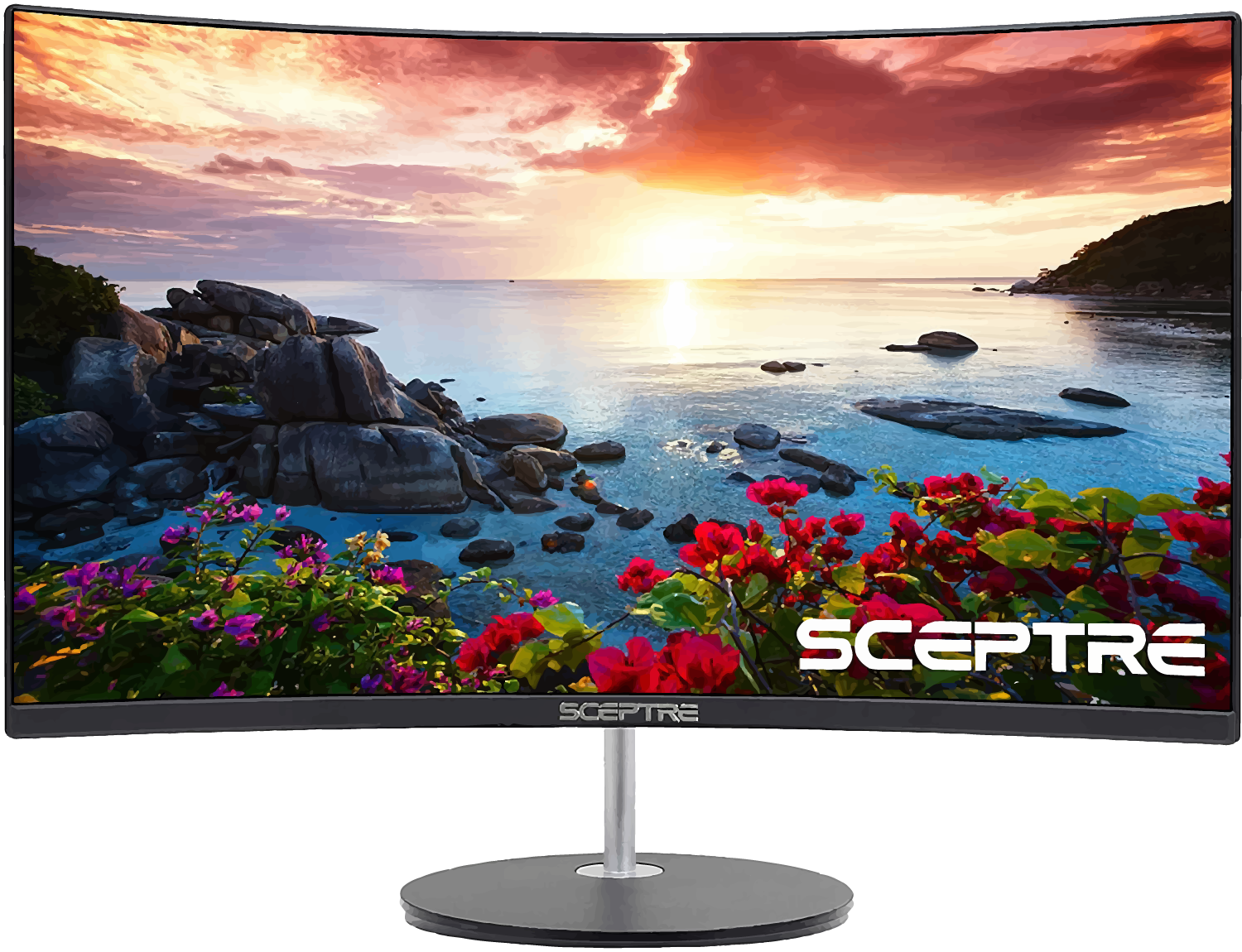
7. Sceptre 27″ Curved 75Hz LED Monitor HDMI; Best for a curved screen gaming experience
Are you ready to up your gaming experience?
Do you want to make sure that you are completely into the zone when you are gaming?
Well, then you will need the right monitor for that, and this is a great pick.
With 27 inches display screen, you will literally be able to lose yourself in the experience of it and coupled with the fact that it is curved, the experience will be all the better.
has got a 1800R curvature, keeping in mind the vision field of the human eye which enhances your gaming experience.
Another great feature of this product is that the design is edgeless so that there is more area on the screen.
The refresh rate is quite high, so now when you play, you play not just with ease, but extremely fast without any major interruptions from your monitor.
You can also switch on the nigh mode, which will block the blue light that hurts the eyes.
Pros
– The biggest advantage is that it is portable.
– The sound quality is very good.
– The control panel is extremely handy when it comes to regulating volume and screen settings.
Cons
– Sound systems might need a little revamping
– Might have problems with color quality
– Control panels might need modification
Sceptre 27″ Curved 75Hz LED Monitor HDMI Features
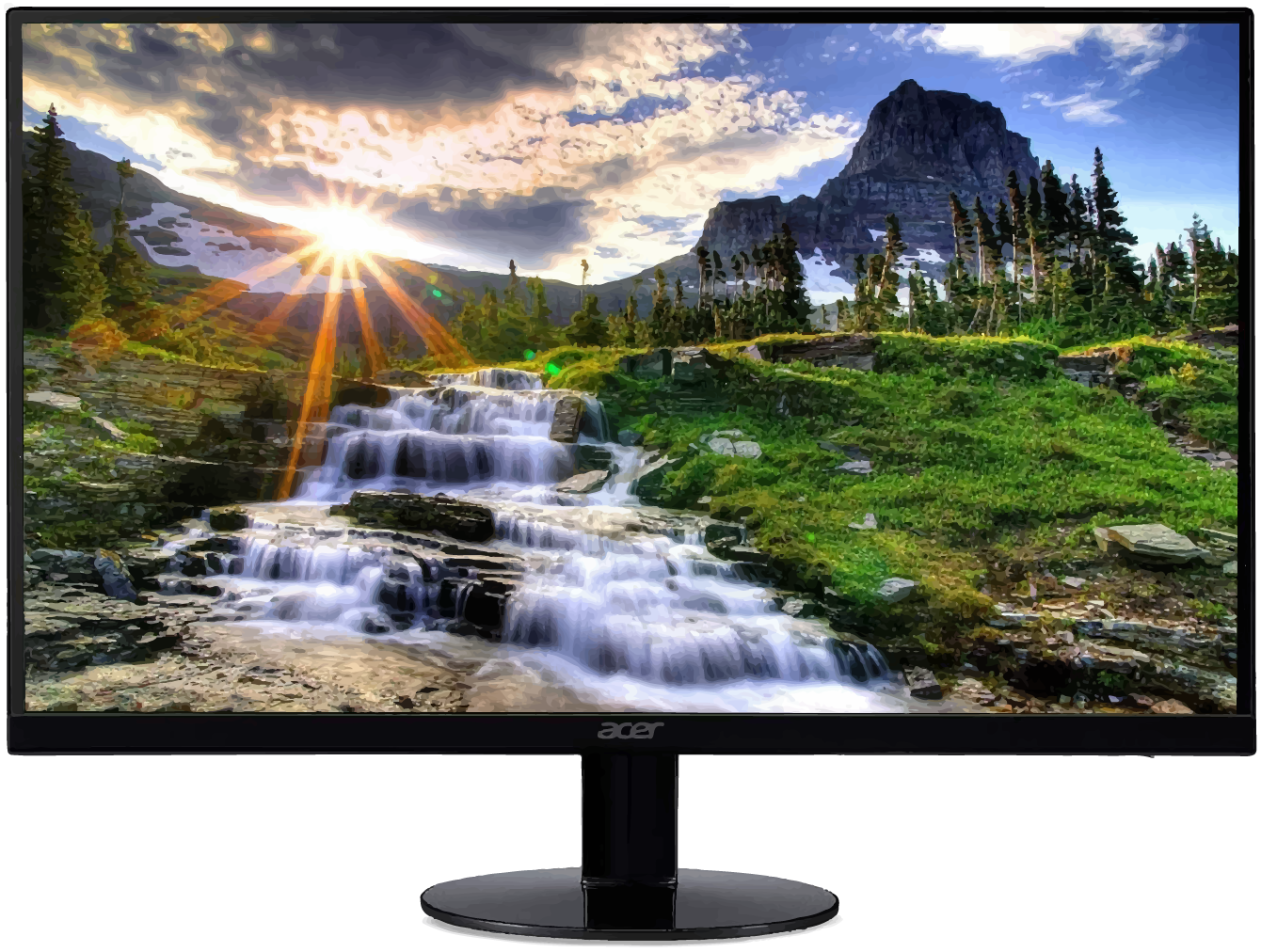
8. Acer SB220Q bi 21.5 inches Full HD; Best for those who are looking for a monitor which can tilt
How about going for a gaming monitor that tilts?
Well, when you do tilt your monitor based on your suitable range of vision, what do you get – an ultimate and customized gaming experience and that’s what you will get this one!
So, how much can this monitor tilt? Well, you can tilt it from 5 to 15 degrees based on what suits you the most, and that’s quite a lot. Both the vertical and horizontal viewing angles are at 178 degrees.
The monitor by design is ultra-thin, and the response time too is very fast.
With its and widescreen features, this monitor will transport you into the world of gaming like never before.
The visuals are absolutely stunning and no different than watching television. The wide viewing angles add on to the experience.
And it comes with two ports as well, one HDMI and one VGMA.
Pros
– High-quality product which can be tilted as per convenience, if the manual is followed properly
– Thin and sleek design making it good to look at too
– Comes with various unlisted features as well
Cons
– Monitor might blink from time to time
– Issues with the customer support service
– Interface might need upgradation when it comes to this product
Acer SB220Q bi 21.5 inches Full HD Features
9. Sceptre E205W-16003R 20″ 1600×900 up to 75Hz; Best for a high resolution fast paced action gaming experience
Are fast-paced action games your thing? Do you want to improve on this gaming experience and get more from your monitor? Then you can go for this monitor for Sceptre.
One of the premier features of this monitor is that it’s adaptive and it can synch well in no time. Thus, what happens is that there is no image tearing and hardly any stuttering. How does this work?
Well, its advanced technology ensures that there is no gap between the refresh rate of the monitor and the graphics card. Neat, right?
It’s got built-in speakers too, with high-quality sound, because

Pros
– Very high-quality product built specifically for gaming
– Picture quality is high with good color and clarity
– Comes with two cables and is worth the money
Cons
– Monitor might blink from time to time
– Issues with a screen which might show pixel spots
– Some defective model might have the screen flickering
Sceptre E205W-16003R 20″ 1600×900 up to 75Hz Features
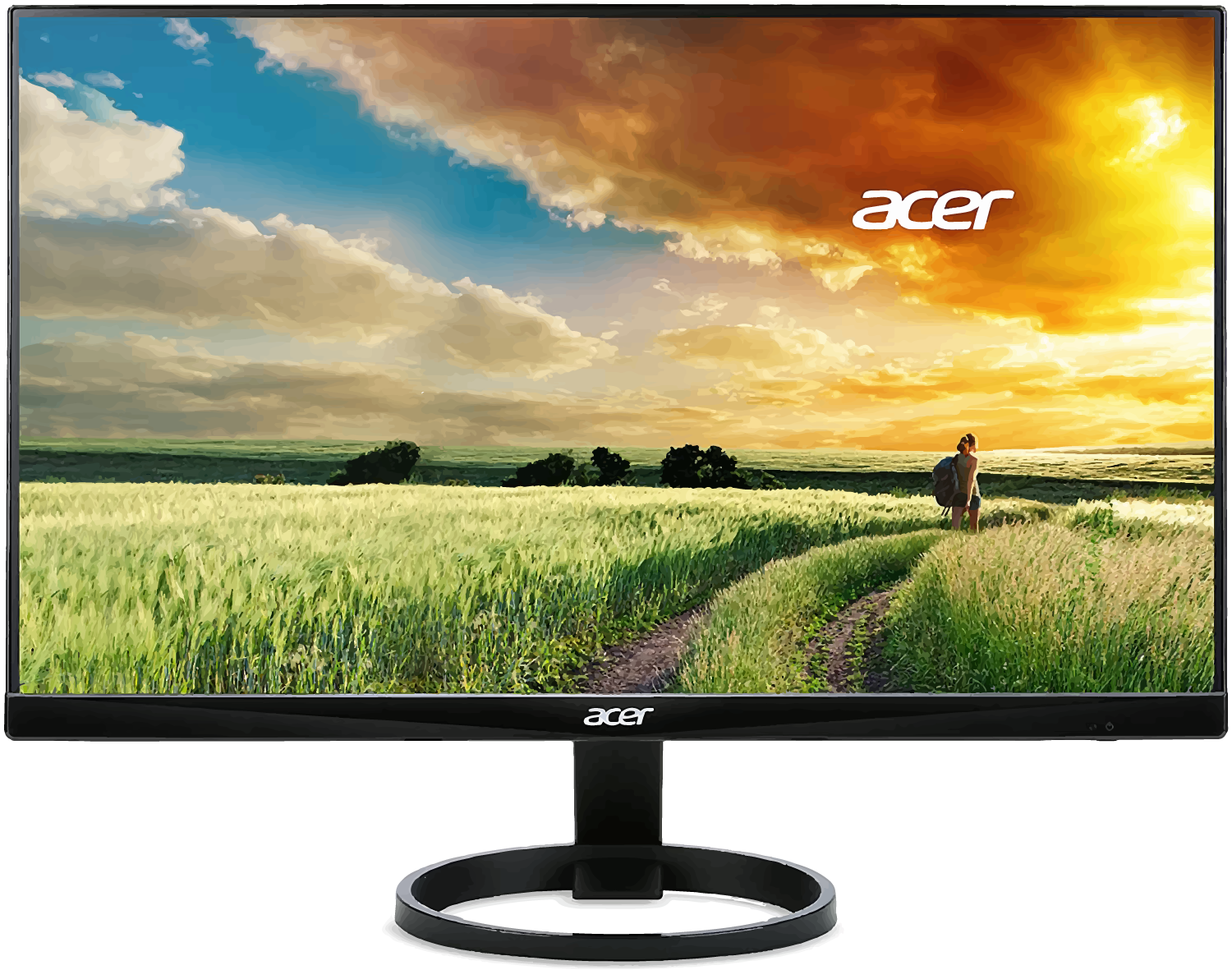
10. Acer R240HY bidx 23.8-Inch IPS; Best for an all-round service monitor
Well if you are looking for a monitor that will be suitable for all your needs – from gaming for long hours to getting just the right resolution and experience that you have always wanted, then this is definitely the one for you!
is a highly rated product which has seen a great performance since its launch.
So, what are the things that you need to take note of when it comes to this machine?
To begin with, it offers you great visuals. Being 23.8 inches with a zero-frame design, you will get to experience the maximum visual surface with this. The resolution is 1920*1080, and hence, the picture quality is also very good.
The refresh time is also pretty fast, which makes it good for gaming and is highly compatible with gaming.
Also, if you are all about long gaming hours, then you should definitely try this one out because of its Flicker-less technology which prevents disturbances and flashing lights, which makes it good for your eyes too.
Pros
– An all-purpose sustainable buy
– Has an ergonomic tilt
– It is very energy friendly
Cons
– Customer support is difficult to get hold of
– Some models might have problems of screens blacking out
– Issues with the quality of display
Acer R240HY bidx 23.8-Inch IPS Features
Best Monitors for Xbox One X Buying Guide
When you are choosing the best gaming monitor for the Xbox One X, you are fortunate enough to have a lot of brands to pick from.
These are Acer, Alienware, Samsung, LG, Viewsonic and Benq just to name a few of the more prominent names in the industry.
Today’s generation of gamers is particular about 4K resolution, a great refresh rate, FreeSync tech that will prevent screen tearing during gaming and low response time that makes for a seamless gaming experience.
Another thing is a suitable number of connectivity options.

Frequently Asked Questions
Q1. Which is the best monitor Xbox One X?
There are different monitors for this of which the ones from Asus, Acer, LG and Sceptre are highly favored.
Q2. What is the price for Xbox One X monitor?
A. It should range between $90 to $120 for value for money monitors.
Q3. From where should I get an Xbox One X monitor?
A. If you do not know any trusted local supplier, order online.
Conclusion
There were a lot of choices when it comes to looking for the best monitor for xbox one x there was one that stood heads and shoulders above the rest.
Which one was it?
It is the LG 27UK650 which is a 4K monitor that you can buy for less than $500.
At that reasonable price point, you will get superior image quality, seamless gaming performance and a precise IPS panel that makes it suitable for editing setups.